Start Here
About
Speaking
Book
Join The Table
Parent Course
Resources
English
Order my debut book! - 5 Habits of the Tech-Ready Family 📑

Content and feature risks in the app.
Bitlife lets you make choices from birth until death.
“Will you try to make all the right choices in an attempt to become a model citizen sometime before you die? You could marry the man/woman of your dreams, have kids, and pick up a good job along the way. Or will you make choices that horrify your parents? You could descend into a life of crime, start prison riots, smuggle duffle bags, and cheat on your spouse. It’s all up to you…” (from the Apple App Store)
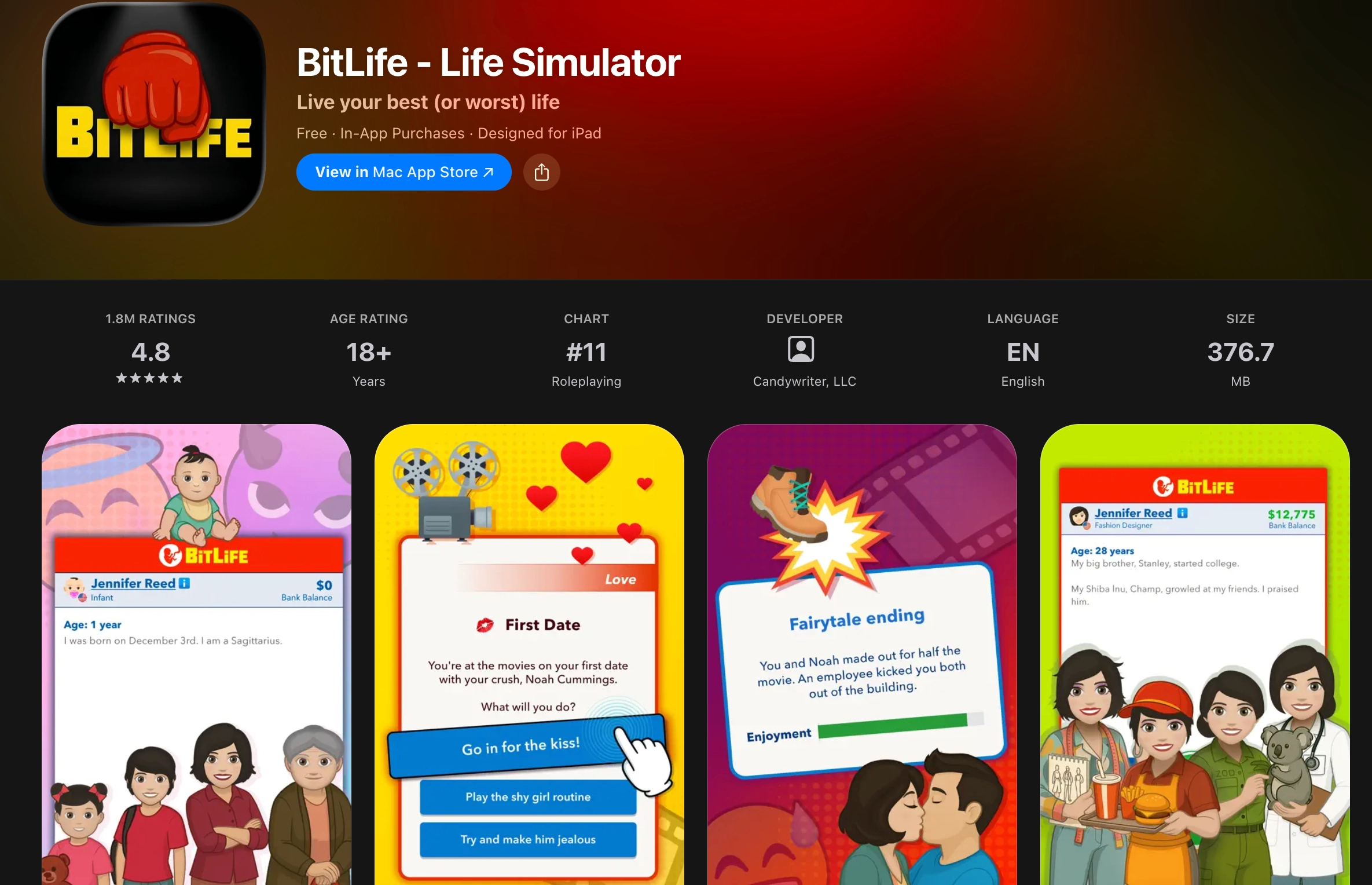
There are no images, the game plays like a story book adventure. You make decisions about your life and that determines what happens in the game. The only images are the icons for choosing the activities you want to participate in. Otherwise it's a text-based game. The game randomly assigns your name, nationality, and gender.
You start your life by being born, then eventually you start elementary school. There is an option to drop out of school at the ripe old age of 5 (though my parents wouldn’t let me). You can drop out of high school at 15 years old.
You can choose to make regular doctor visits, go to the movies, go to the library, meditate, and go on vacation (if you have the money). Again, there are no images. A prompt will show up stating the outcome of that choice. Sometimes you are diagnosed with something. Sometimes you meet someone at the library and have to decide whether to ask them out.
But there are still plenty of adult themes. Once you turn 13 years old, you can pick your sexual orientation and find a significant other. Once you have a significant other, there is the option to find a threesome. Sometimes your partner will get mad at you and then you have to choose whether to fight or apologize. There is also an option to have a one night stand. There will be a prompt as to whether to use a condom. Just beware, you could get an STD or become pregnant if female. There is a high likelihood that if you are in a heterosexual relationship, then you will become pregnant or get your girlfriend pregnant.
Once you turn 18 all of the activities are available to you. For example, you can commit a crime like grand theft auto (I was able to successfully steal a VW Beetle), pick pocket (I got $3 for pick pocketing a hippie), or murder. Yes, you can choose to murder a friend or a random person AND you can choose how.
Some other choices you can make are your career (though you do have to be qualified). Most of the careers are fine like firefighter, teacher, doctor, etc. However, you can choose exotic dancer and porn actor. You can also choose to have plastic surgery if you have the money (the options are specific to male and female…the screenshot below is for female but males can choose to get penis enlargement surgery).
Throughout the game, there will be random prompts that come up. For example, we were asked to deliver a duffel bag of unknown substance to Canada for $6,000. Another time, we were asked whether we wanted to try drugs. If you get caught doing illegal things, sometimes you will be caught and sent to jail (where you can attempt to escape or start a riot) or you will get off free (like when we stole that car). There are also times where the game will ask you if you want to assault someone. You can go to jail for this too.
Privacy. The app does not collect any personal information from you unless you become a Bitizen for $1.99. Then it will go through the payment of either the App Store or Google Play. However, it does collect device type, date, time, and behavior within the app. They also use third-party apps to collect information about your use of the app and other sites or apps (privacy policy here).
Advertisements. There is always an ad at the bottom of the screen (usually for another game). Whenever you go to the movies as one of your activities, it will cut to an ad video. Let’s just say that I was glad my older kids were in school and my youngest was napping. Some of the ads are definitely for 18+.
Regardless of the app, three actions mitigate the risks we’ve shared. We teach these actions in our parent presentations:
We explain each of them briefly below. If you’ve already set up approvals for downloads and have used the app, please skip to the In-App Controls & Settings.
You can control app stores by requiring permission for apps to be downloaded. This is ensures your child doesn’t have access to an app without your knowledge. Here are the steps (for Apple and Android users):
For Apple Devices:
To require permission to download an app, you’ll need to set up Screen Time and Family Sharing (Apple’s Parental Controls). We explain this process step-by-step in our Complete iOS Guide (click here).
Once Screen Time and Family Sharing are established, here’s how to require permission to download apps on an Apple device:
For Android Devices:
You’ll have to use Family Link (Android’s parental controls) to ensure you retain control over what apps are downloaded. We explain this process step-by-step in our Android Guide (click here).
Once Family Link is established, here’s how to require permission to download apps on an Android device:
This is our tried-and-true method of determining whether a specific app is safe for your specific child.
Before you let your child use it, download the app and use it for 7 days.
Create an account with your child’s age and gender and use it for 7 days. Play through a few levels, review the ads, see if anyone can chat with you, and poke around like a curious child.
After a week, ask yourself, “Do I want my child to experience what I did?” Even if you decide to allow them to download the app, now you have a basis for curious conversations about the app when you check in.
There are no parental controls and backdoor access to other apps through the BitLife Community Tab is possible.
No, it's not made for kids. With so many mature elements, even if just text-based, BitLife is for those 17+ only.
Two actions you can take!



Read about our team’s commitment to provide everyone on our global platform with the technology that can help them move ahead.
Honored to join Bark and other amazing advocates in this film.
Joined a coalition of global experts to present on social media's harms.
We shared our research and experience with the US Senate Judiciary Committee.