Empieza aquí
Acerca de
Hablando
Contáctenos
Únete a la mesa
Curso para padres
Recursos
Spanish
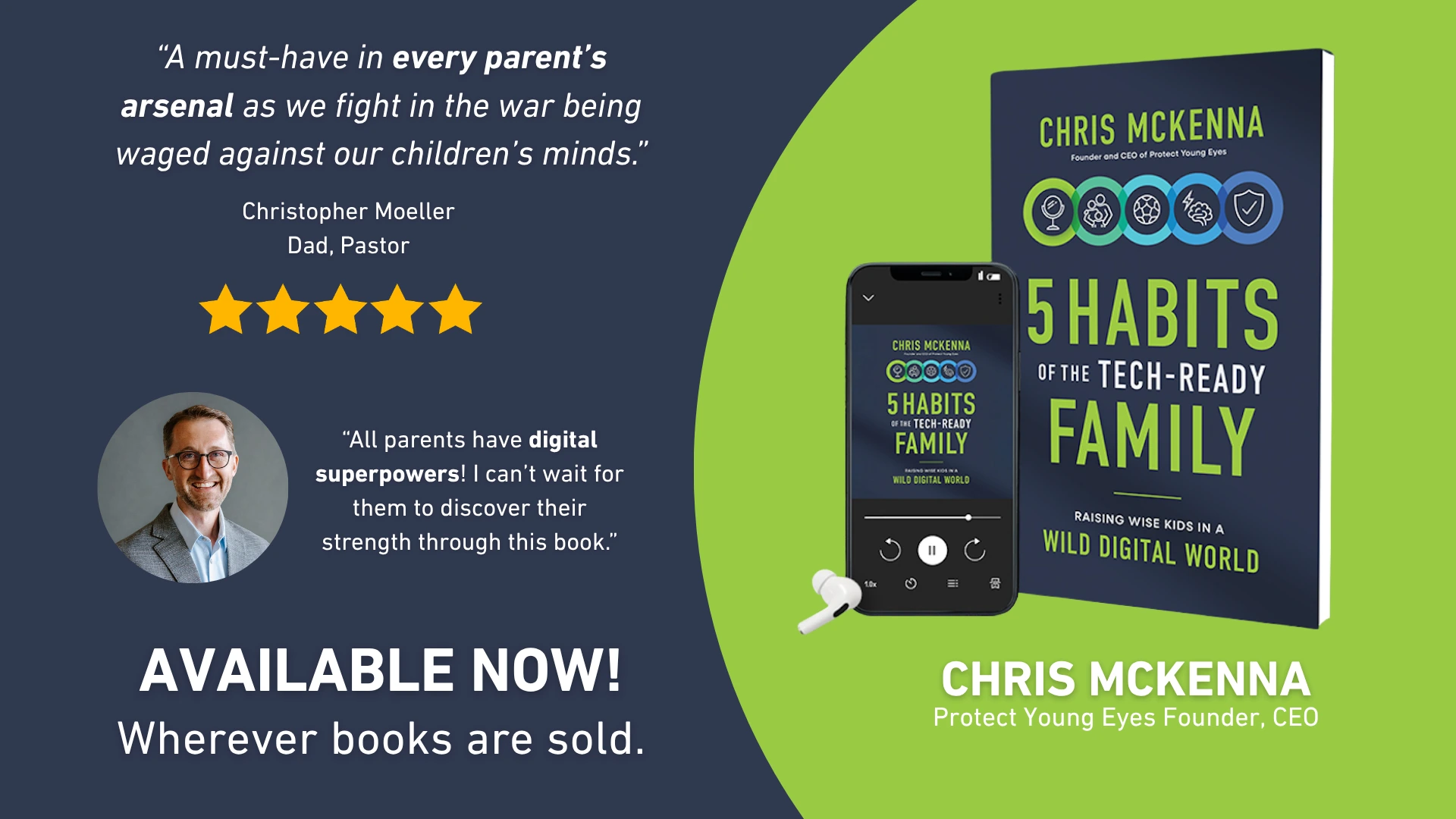
Order my debut book! - 5 Habits of the Tech-Ready Family 📑


.jpeg)
Last week, Apple rolled out iOS 27, complete with what reviewers called some of the biggest parental control changes in years. But they forgot an important detail in their announcement.
Over 88% of American kids have an iPhone, and for years Apple has trailed competitors like Google's Family Link app when it comes to giving parents useful tools. For almost a decade, I've been asking for basic improvements like a separate Screen Time app, “pause the internet,” or customizable Downtime settings. When Apple previewed its overhaul back in June, it looked like some of this was finally coming!
I was wrong.
At WWDC 2026 in June, Apple unveiled what it billed as its biggest family-safety overhaul in years in iOS 27. The June 8 keynote introduced the following helpful features:
Beyond that, Apple promised a redesigned Screen Time architecture, which has been complex and clunky for years. The new features were organized around four areas: what content kids can access, who they can talk to, when they can use their devices, and how parents manage all of it.
Newsflash: None of it works unless every single device in your Family Sharing group is updated. Every old iPad. Every Apple Watch. That ancient work MacBook still attached to your Apple ID in a closet somewhere. Not just the parent's phone, not just the kid's iPad - everything! Or the new controls simply don't activate. For a lot of families, that's double-digit devices.
And although Apple’s support articles say iOS 27 will tell you what devices are lagging, mine doesn’t.
I'm not alone. A Reddit thread full of parents reports the same gap: people who've updated everything they can find and still see the old Screen Time interface, with no explanation of what device is holding things up.
I don't doubt that syncing new protections across a Family Sharing group probably does require everyone on the same software. But that tradeoff was never mentioned during WWDC or by thrilled influencers later. We found out only after installing the update and wondering why nothing had changed. Numerous social media posts from last week are flooded with baffled parents.
And come on. Isn’t there something Apple could do to allow the parent’s iPhone and a child’s iPhone to work together without dragging all the other devices along?
Apple convinced us it cares about child safety. So, why was this important detail left out?
For me, it’s just more evidence that Apple’s parental controls aren’t tested by real parents.
End notes:
Note: AI was used for some editing.

¡Dos acciones que puedes tomar!
Lea sobre el compromiso de nuestro equipo de proporcionar a todos los usuarios de nuestra plataforma global la tecnología que puede ayudarlos a avanzar.
Es un honor unirme a Bark y a otros increíbles defensores en esta película.
Se unió a una coalición de expertos mundiales para presentar sobre los daños de las redes sociales.
Compartimos nuestra investigación y experiencia con el Comité Judicial del Senado de los Estados Unidos.